Skip to content

Changelog

Here's what we've been building

Every feature, fix, and improvement we ship — grouped by month so a quick scan catches you up.

July2026

10 updates this month — 4 new features, 5 improvements, 1 fix

FixedJul 20

One competitor, one card

Adding nike.co.uk when you already track nike.com no longer creates a duplicate. Existing duplicates got merged.

TLD variants used to slip past us: track a brand on .com, add it again via .co.uk, and you'd have two half-tracked copies of the same company. New competitors are now checked against the registrable root and the brand name before creation, and the duplicates that already existed have been merged with their history intact.

While we were in there: adding a competitor where discovery finds nothing now says so honestly, keeps at least one source, and falls back to watching the homepage rather than leaving the card dark.
ImprovedJul 18

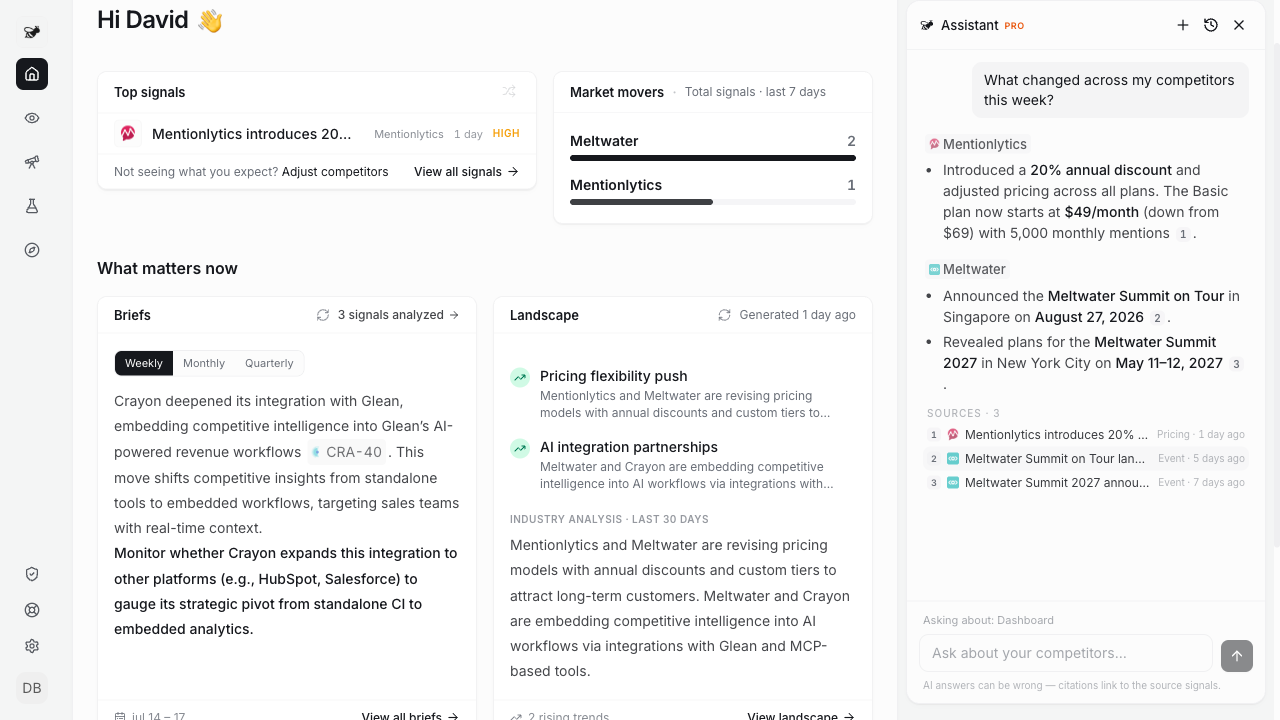
Every answer shows its sources

Numbered citations in the assistant, with a Sources list that links straight to the signals.

Every answer shows its sources

An AI answer you can't verify is just a rumor with good grammar. Assistant answers now carry numbered citations, and every response ends with a Sources list: the exact signals it drew from, with type and age, one click from the evidence.

If a fact has no signal behind it, it doesn't get a number. That's the point.

NewJul 16

An assistant that does the work

Ask it to fix your keyword noise, add sources, or run a weekly review. It has hands now, not just opinions.

An assistant that does the work

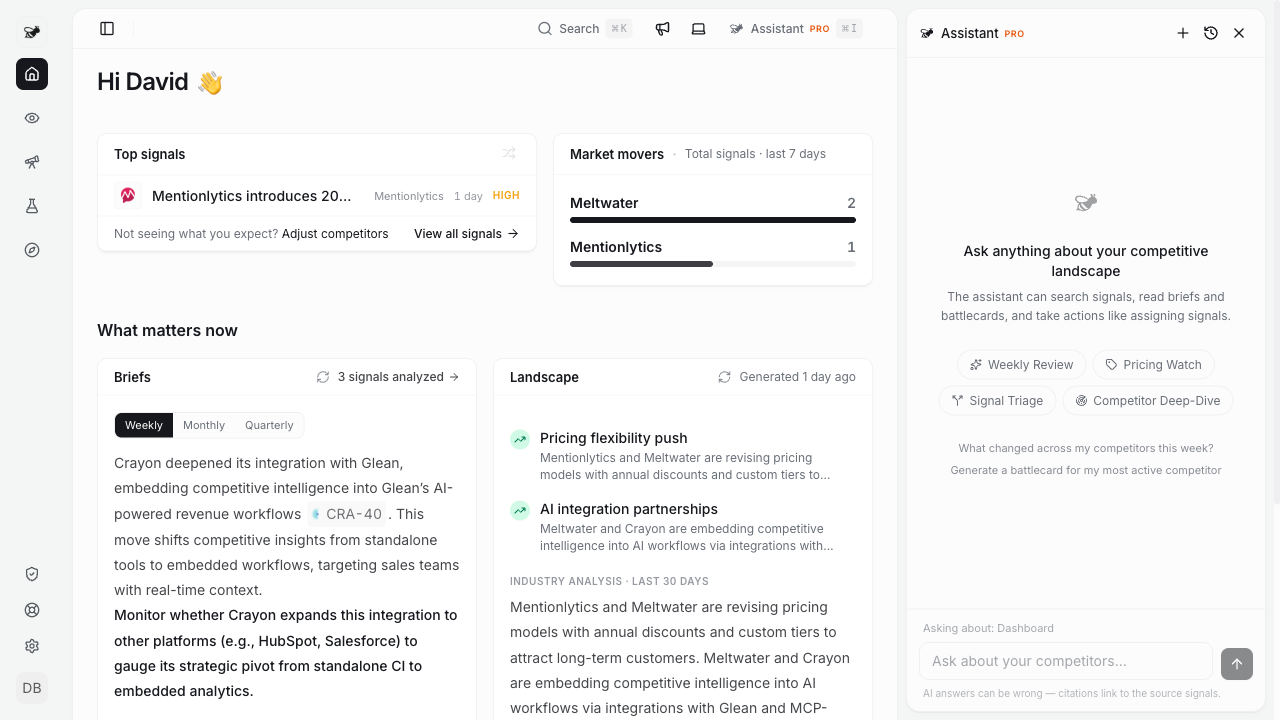
The assistant grew up this month. It can now actually change things for you: add sources to a quiet competitor, adjust keyword filters when your feed gets noisy, build your company profile through a short interview, and suggest competitors worth tracking. You confirm, it does.

The plays got a rework too. Weekly Review, Pricing Watch, Signal Triage, and Competitor Deep-Dive each run quietly and hand you one outcome card at the end, instead of narrating every step.

And it has a calmer home: press Cmd+I anywhere, pick a play or just ask.

ImprovedJul 13

Spyingbee inside Claude Desktop

Browse your briefs, battlecards, and teardowns from any MCP client. With ready-made prompts. 38 tools now.

If you work in Claude Desktop (or any MCP client), Spyingbee is now properly there. Your briefs, battlecards, and teardowns are browsable as resources, so you can pull them into any conversation.

We also added prompt recipes: weekly review, competitor deep-dive, and pricing check. One click and Claude runs the analysis against your real data.

The tool count is up to 38, covering signals, competitors, sources, assignments, and more. Connect it from Settings, under Connected apps.

ImprovedJul 10

Assignments that actually reach people

Assign a signal and the person finds out: Slack DM or email, plus an inbox notification. Your note attached.

Assigning a signal used to be a silent act. The assignee found out whenever they next wandered into the app, which could be never.

Now it closes the loop. You can attach a note explaining why you're assigning it. The assignee gets a Slack DM (or an email if Slack isn't connected) plus a notification in their inbox. And when they resolve it, you hear back.

Small feature, but it's the difference between "I flagged it" and "we handled it".

ImprovedJul 7

Battlecards write themselves now

Upgrade and your battlecards just appear. No more clicking "generate" ten times.

Battlecards write themselves now

Honestly, making you generate battlecards one by one was busywork we should have automated ages ago. Fixed: Pro workspaces get up to 5 generated automatically, Team gets 12, starting the moment you upgrade.

And when fresh ones land, the dashboard tells you. Nothing arrives silently anymore.

NewJul 5

My Company: track yourself like a competitor

Ever wondered what Spyingbee would say about *you*? Now you can see it.

My Company: track yourself like a competitor

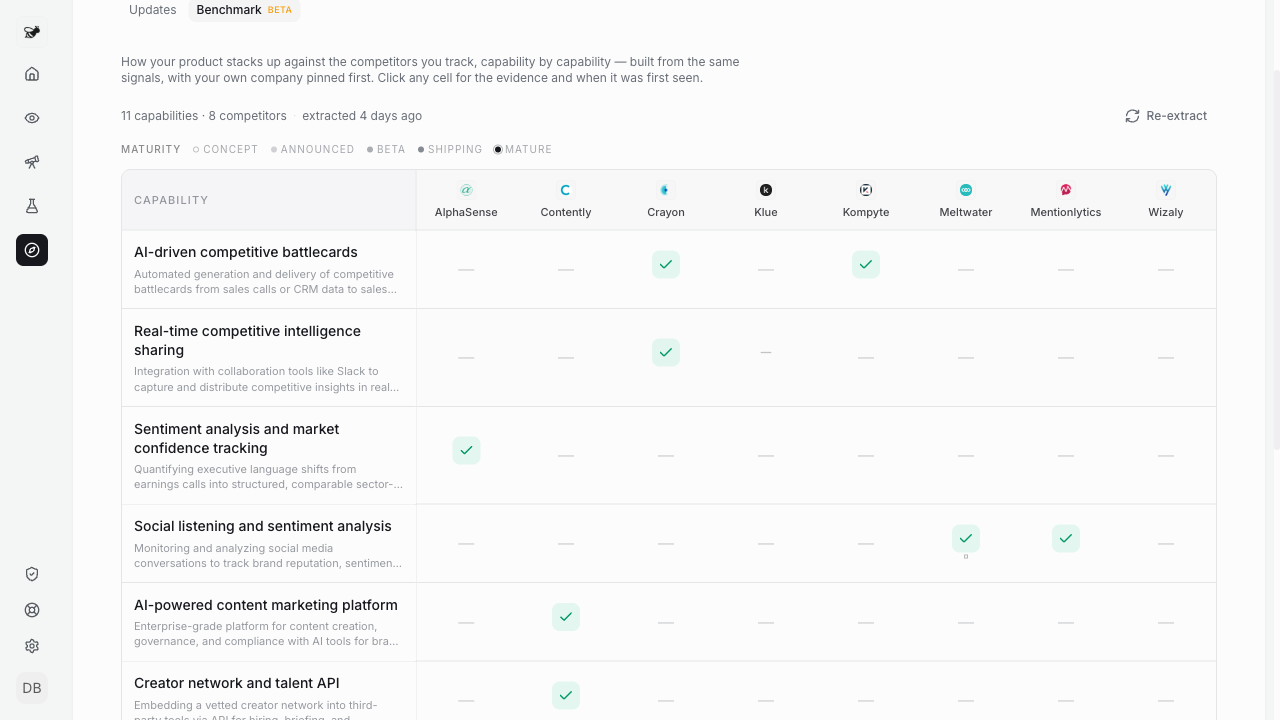
Your competitors use tools like this one. They see your pricing changes, your launches, your blog posts. Now you see the same thing. "My Company" has two tabs: Updates, your own timeline as the outside world sees it, and Benchmark, a capability grid with your column pinned and marked "You", so the gaps are impossible to miss.

Don't worry: your own news stays out of your competitor feed and briefs. It only lives here.

NewJul 3

Teardown Studio

Pick a competitor, get an honest teardown of their pricing and positioning. Share it with a link.

Teardown Studio

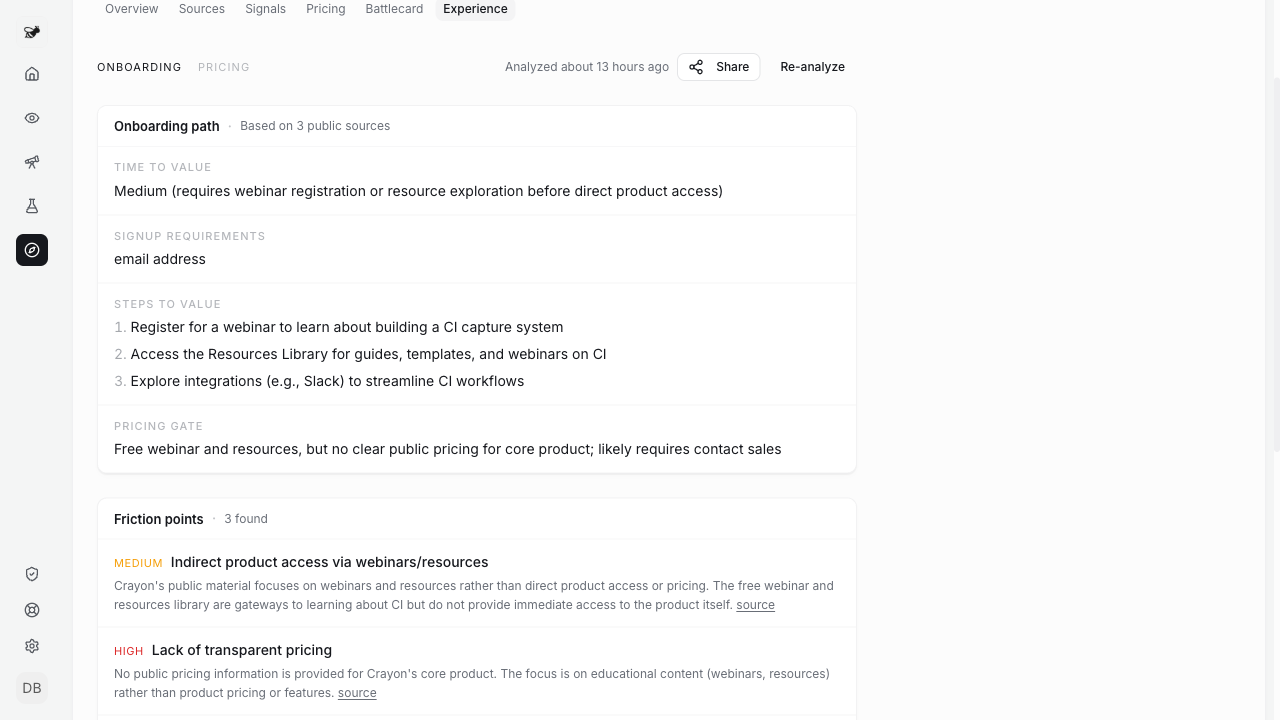
You know that doc someone on the team spends two days writing before a pricing meeting? That's a teardown, and Spyingbee writes it now. Pick a competitor and you get the breakdown: how they price, how they pitch themselves, where their experience falls apart. Every claim points back to the source it came from.

Each one gets a share link, so you can drop it straight into a Slack thread or a deck review. Nobody needs an account to read it.

New workspaces get their first one during onboarding. We'd rather show you than explain it.

NewJul 1

Your Move: a counter-move on every signal

We stopped at "here's what your competitor did" for too long. Now we tell you what to do about it.

Your Move: a counter-move on every signal

Watching competitors is only half the job. The hard part is deciding what to do next. So every important signal now comes with a "Your Move": a concrete play, written for your company, based on your profile and your gaps. Not "consider monitoring the situation" advice. An actual move, with the signals it's built on cited right there so you can judge it yourself.

If you're on Pro or Team, you don't even have to ask. Every day we look at the critical signals you haven't dealt with yet and draft the move for you. They show up in your weekly brief too, on web, email and Slack.

June2026

2 updates this month — 2 improvements

ImprovedJun 15

The changelog reads by the month now

Updates are grouped into a monthly review, so you can scan a whole month of shipping at a glance.

This page now groups everything we shipped by month, with a one-line summary at the top of each — like "2 updates — 2 improved".

It's easier to take in a month of progress at once, instead of scrolling a long list of single dates.

Same updates, just easier to read.

ImprovedJun 9

A clearer start when you add a competitor

Type a domain and you immediately get a real description of the company — no more blank or duplicate entries.

Adding a competitor by domain now fills in a real description of the company right away, so a new entry never shows up blank or doubled.

Under the hood, typed domains are checked before we ever fetch them — your company search can't be pointed at internal addresses.

Less guesswork when you start tracking, and a tidier list from the first second.

May2026

2 updates this month — 1 new feature, 1 improvement

NewMay 19

Filter signals by keyword

Tell Spyingbee exactly which topics matter for each competitor — and mute the noise you don't.

Every competitor now has a keyword filter. Add the terms you care about — a product line, a feature, a market — and only signals that match reach your feed and briefs.

We suggest keywords from each competitor's own brands and feeds, show a live preview of what gets through, and let you mute the rest with a denylist.

It's per-team, so your filters never touch anyone else's view.

ImprovedMay 18

Track a product, not just a company

aws.amazon.com and cloud.google.com are now separate competitors, so a giant's unrelated news stops flooding your feed.

Tracking a mega-brand used to mean drowning in everything its parent company shipped. Now a product subdomain — aws.amazon.com, cloud.google.com — is its own competitor, anchored to that product.

If you already track a broad brand, we suggest the specific product to switch to. One click redirects the noise.

Your feed gets the product you actually compete with, not the whole conglomerate.

April2026

5 updates this month — 2 new features, 3 improvements

ImprovedApr 25

Topics: who ships what, and what you are missing

A clean grid of who-does-what across your competitors, plus a gap report that tells you what they ship and you don't.

Topics now show the shape of the market.

Open one and you get a capability matrix: competitors as rows, what they ship as columns, with a maturity badge so you can tell announcements from real shipping. The gap report lines that up against your own product and shows where they're ahead.

Setup is one line. Type a topic title, we suggest the rest.

ImprovedApr 15

Just paste the domain

Adding a competitor used to mean knowing their exact brand name. Now you just paste their URL.

Adding a competitor used to mean knowing their exact brand name. Now you just paste their domain.

Type acme.com and we resolve it to the right company. The empty state on a fresh team also got clearer about what to do next.

NewApr 11

Topics: track an idea, not just a competitor

Spin up a topic like "AI agents" and we pull every signal across your competitors that touches it.

You've been able to track competitors. Now you can track ideas.

Set up a topic ("AI agents", "freemium pricing", "EU expansion") and Spyingbee pulls every relevant signal from your competitors into one feed. Old signals get matched in, new ones land as they come.

Use it for product areas, pricing pivots, GTM angles.

NewApr 8

Email a brief to your boss

Hit Share, drop in an email. The recipient gets the whole thing in their inbox, no Spyingbee account required.

Briefs, signals, and topics now have a Share button that sends the whole thing (formatted as a real email, not a link) to whoever you want.

The recipient doesn't need a Spyingbee account. They open their inbox and the content's right there. Sent on behalf of your team, so they know who it's from.

Good for kicking competitive intel up to your exec team. Or sending a topic gap report to product without making them sign in to read it.

ImprovedApr 4

Per-team notifications, plus a hard email cap

Notification preferences are now per-team, and we'll never send you more than 2 marketing emails per rolling 7 days.

Notification prefs are now per-team. If you're in multiple, each has its own settings. The settings page got tightened too: digest, welcome, and re-engage emails are controlled together instead of three separate toggles.

Marketing emails (welcome, re-engage, first-signal nudges) now max out at 2 per rolling 7 days. You'll never get four emails in a week from us.

March2026

3 updates this month — 1 new feature, 2 improvements

ImprovedMar 25

Cleaner signals, fewer false alarms

More sources behind the scenes, better noise filtering, fewer broken-source warnings.

The part of Spyingbee that watches your competitors got quieter and smarter. More sources to pull from, better filters on what counts as a real signal, and self-recovery when a source breaks.

Less junk in your feed. Fewer red badges on your dashboard.

NewMar 13

Landscape view

Landscape view: Finally see what your competitors are actually up to, all in one page. AI analysis, trend clusters, activity heatmap. No assembly required.

See what's happening across your competitive landscape in one place.

  • Industry analysis. An AI-generated summary of what your competitors have been up to. Shows the key takeaway up front, with the full analysis behind "Read more." You can regenerate it anytime from the card header.
  • Trend clusters. Signals grouped into patterns. Click any row to see the actual signals behind it, which companies are involved, and whether the trend is rising, declining, or flat. Each trend links out to the filtered signals page if you want the full list.
  • Activity matrix. A heatmap of who's doing what. Competitors on one axis, signal types on the other. Click any cell to jump straight to those signals. Zero-activity rows and columns are hidden so it stays compact.

The whole page runs off your existing signal data. Pick a time range at the top - 7 days, 30 days, 90 days, or everything.

ImprovedMar 1

Slack AI Agent - @Spyingbee

DM or @mention the Spyingbee bot in Slack to ask competitive intelligence questions. It searches your signals, reads battlecards, fetches URLs, and replies in-thread.

So we had already a Slack App, but it wasn't enough.

So now, your Spyingbee bot understands natural language. DM it or @mention it in any channel — it runs the same AI agent that powers the dashboard, with full access to your signals, competitors, battlecards, and briefs.

What it can do

  • Answer questions — "What did Stripe ship last week?" or "How does Linear compare to Jira?"
  • Read URLs — Share a link and the bot fetches the content, cross-references with your signals, and gives competitive context
  • Thread context — Reply in a thread and the bot reads the full conversation before answering
  • Conversation memory — It remembers previous messages in DMs for follow-up questions

Interactive signal cards

  • Rate — Thumbs up/down to train signal quality
  • Share — Push a signal to your team channel with one click
  • Mute — Stop getting DM alerts for a specific competitor

Battlecard regeneration

Stale battlecards? Hit the "Regenerate" button directly from the Slack notification — no need to open the dashboard.

Plan limits enforced

All Slack AI interactions respect your plan's monthly limits. Free plans see clear upgrade prompts when they hit the cap.

February2026

3 updates this month — 2 new features, 1 improvement

NewFeb 21

What's New

A changelog page so you can see what we shipped and when.

You're looking at it. We added a changelog so you can keep up with what's changing in Spyingbee.

The megaphone icon in the header lights up when there's something new. Click it for a quick preview, or come here for the full list.

ImprovedFeb 20

Redesigned Settings

Settings got a new sidebar layout. Everything is one click away now.

Settings used to be a mess of tabs. Now there's a sidebar on the left with every section listed out: General, Members, Billing, Security, Slack, Webhooks.

No more hunting around. Click what you need, you're there.

NewFeb 19

Shareable Battlecards

One-click battlecards for any competitor. Share them with your team via a public link.

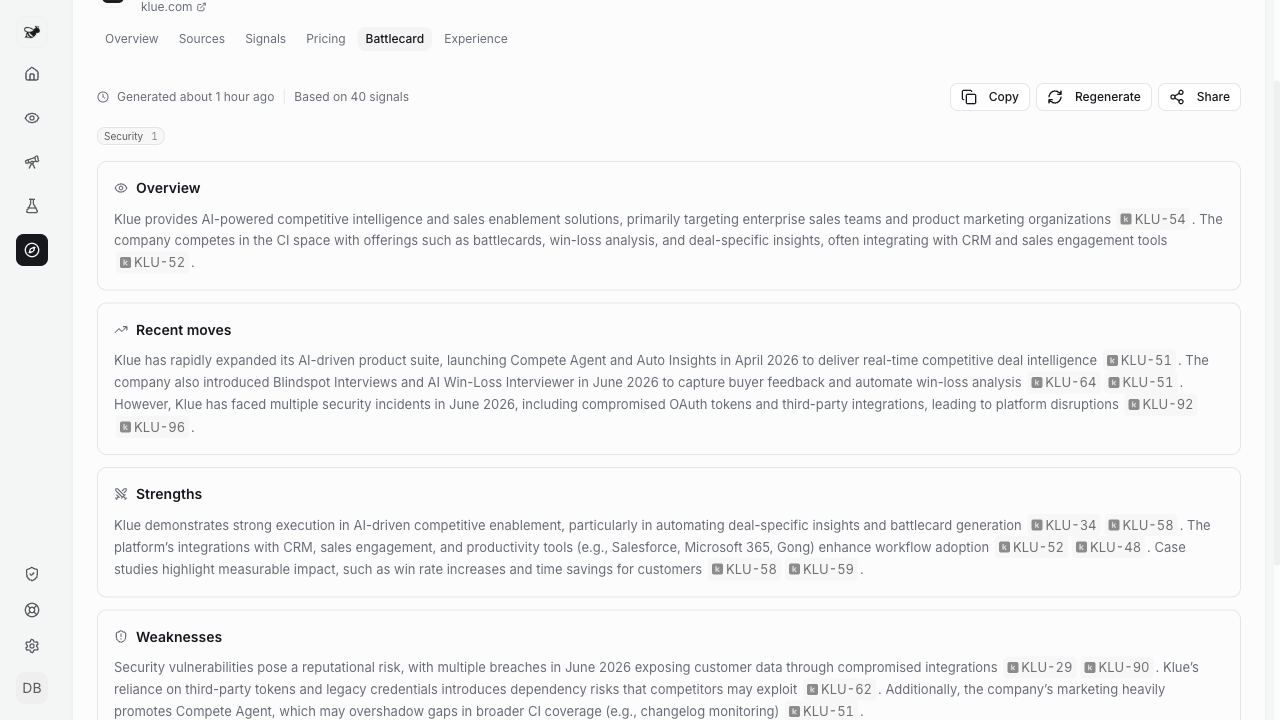
Every competitor page now has a Generate Battlecard button. It pulls from your signals to build a competitive breakdown:

  • What they've been up to lately
  • Where they're strong and where they're not
  • How they stack up against you

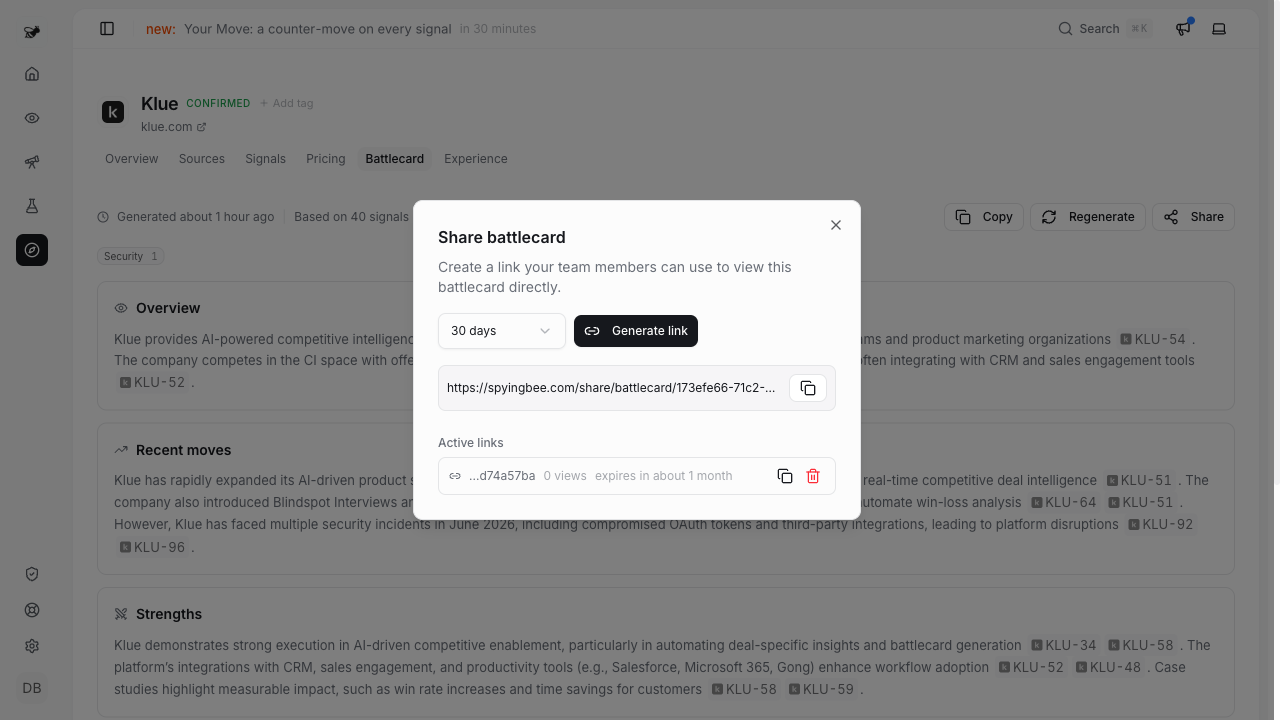
Want to pass it along to sales or your exec team? Hit Share to grab a public link. You can turn it off anytime.